
- ota updates
- esp32
- firmware
- bootloader
- embedded systems
ESP32 OTA Update: How A/B Firmware Rollback Works
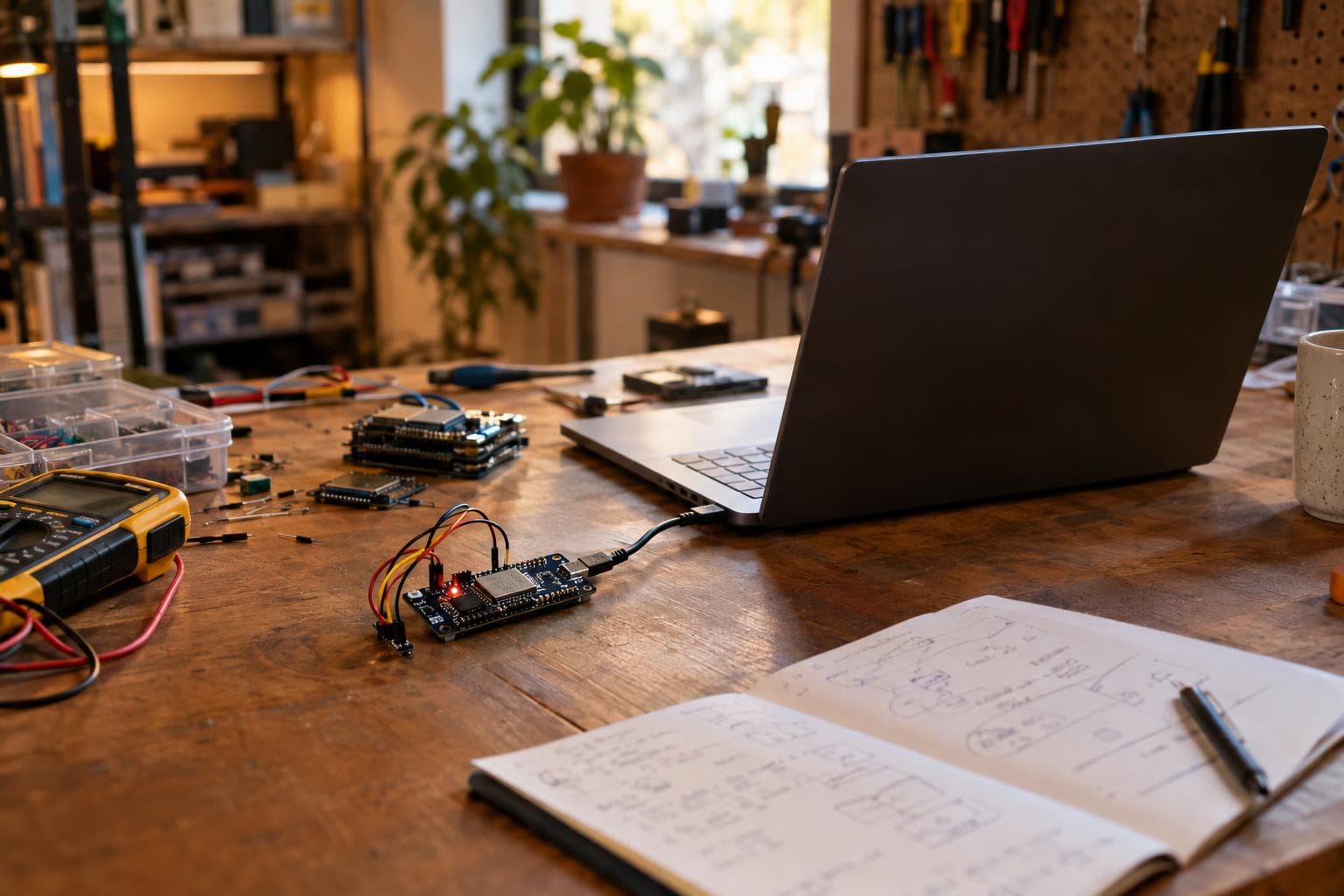
An over-the-air update is not usually a rewrite of the firmware that is currently executing. The device downloads a new image into the inactive application slot, changes a small boot state record, and lets the bootloader decide what runs after the next reset.
That arrangement is what makes rollback possible. If power disappears during the download, or the new firmware crashes before it confirms its health, the old slot remains available and can boot again.
What an OTA update physically changes
Flash memory is divided into regions by the device's partition table or boot configuration. A dual-slot design reserves space for two complete application images. One slot contains the firmware currently running; the other is inactive and available for the next image.
During an update, the running application normally does this:
- Connects to the update server or local file host.
- Checks the image's size, format, hash, signature, and sometimes version policy.
- Erases sectors in the inactive application slot as needed.
- Writes the received image into that slot in flash-sized blocks.
- Verifies the completed image before asking the bootloader to use it.
The CPU continues executing the current image while those writes happen elsewhere in flash. The active application is not overwritten halfway through its own instruction space.
Flash is not like RAM. An erase operation clears a whole sector, while programming changes bits in smaller units according to the flash device and controller. A lost connection leaves an incomplete image in the inactive slot, but that incomplete image has no authority to boot unless the boot state is changed incorrectly.
On an ESP32 using the ESP-IDF OTA partition scheme, the partition table commonly contains ota_0 and ota_1 application partitions, along with an otadata partition. The exact names and layout belong to the selected ESP-IDF partition table, so an ESP32 board with a different flash size or custom table may have different capacity and partition offsets.
The small state area that chooses the next slot
The bootloader does not guess which application partition is newest by scanning every byte of flash. It reads a small state area that records which slot should be tried. In the ESP-IDF ESP32 design, otadata holds OTA selection data, with redundant records used to tolerate corruption of one record.
An OTA library writes the new firmware first. Only after the image is complete and passes its image checks does the update process change the boot selection state to mark the new slot as pending. On reboot, the bootloader reads that state and selects the pending slot.
This is the part that makes an interrupted update recoverable. If power fails during image transfer, the old slot is still the selected, known-good slot. If power fails while the selection record is being written, the bootloader can use the valid redundant record or fall back according to the bootloader's rules. The exact recovery behavior depends on the bootloader and framework, but the design principle is the same: firmware bytes and boot authority are separate pieces of state.
A marker is not a full copy of the firmware. It is a small instruction to the bootloader, usually representing states such as valid, pending verification, or invalid. Treat that marker as a transaction commit record. The image is prepared first; the pointer to it changes last.
Why downloading is not the same as committing
A new image can pass a hash check and still fail as a running program. It may have the wrong GPIO mapping, an incompatible configuration schema, a broken peripheral driver, or a watchdog reset during startup. A successful download proves that bytes arrived intact. It does not prove that the device can operate with them.
That is why a safe OTA flow has a trial boot and a confirmation step:
- The current firmware downloads the image into the inactive slot.
- The update code verifies the image format, integrity, and any required signature.
- The bootloader marks the new slot as pending and reboots.
- The new firmware starts and performs its early health checks.
- Only after those checks pass does the firmware mark its slot valid or confirmed.
- If the firmware resets repeatedly before confirmation, the bootloader rolls back to the previous valid slot, where supported by the selected OTA rollback configuration.
The confirmation call must happen after the parts that matter have started. For a controller, that may include the network stack, sensor bus, output drivers, and persistent configuration migration. Confirming immediately after entering main() defeats the purpose of rollback because a later initialization failure will look like a healthy boot.
Do not make the health check depend on an unavailable network service unless the device cannot function without it. A temporary server outage should not condemn a firmware image whose local control path works. We prefer a bounded local self-test, followed by a network check if network access is part of the device's required operation.
Persistent data needs its own compatibility plan. The two application slots are usually two firmware images, not two copies of the filesystem, calibration data, or settings partition. If version 2 changes the format of stored settings, the new firmware should validate and migrate them in a way that can survive a reset. Otherwise the rollback image may no longer understand the modified data.
The choices that follow from the mechanism
A/B firmware storage costs flash capacity. Two application slots need room for two images, and the bootloader, partition table, OTA state, and any filesystem also consume space. If the application is too large to fit twice, a second slot is not available without changing the flash device, reducing filesystem space, or using a different update architecture.
For a device that controls motors, heaters, locks, pumps, or other hardware with consequences on a failed boot, we would choose dual-slot OTA with rollback rather than a single-slot rewrite. The extra flash is cheaper than requiring physical access to recover a device that lost power during an update.
A single-slot update can be adequate for a board that is always connected to a programmer, has a local recovery connector, and does not need unattended updates. It saves memory and software complexity. It is not a safe substitute for A/B storage on a sealed or inaccessible device.
| Firmware layout | Flash requirement | Interrupted-transfer recovery | Boot failure recovery | Best fit |
|---|---|---|---|---|
| Single application slot | Lowest | Usually requires a recovery loader or reflash | Limited unless another image exists elsewhere | Bench-connected devices with physical recovery access |
| A/B application slots | High enough for two images | Old slot remains available when selection changes last | Strong, with pending and confirmed states | Installed devices needing unattended recovery |
| A/B slots plus external staging | Higher system complexity and storage | Strong, with an additional staging copy | Depends on bootloader support and validation path | Large images or systems with a separate update controller |
The cheap way is good enough when the hardware is on the bench and a cable is always available. Adding a second flash chip or redesigning the board only to support rollback solves a problem that setup already solves. For a remote device, the same saving can be false economy.
Size the partitions from the largest signed image you expect to ship, not the current binary. Debug logging, security libraries, filesystem changes, and new drivers tend to increase image size. Leave room for the bootloader and state area defined by the framework, then test the actual image against the partition table before committing to a board layout.
A practical test plan for an ESP32 OTA update
An ESP32 OTA update should be tested as a power-failure system, not only as a download feature. Test at the points where flash and boot state can disagree:
- Remove power during the download at several progress points.
- Remove power after the image is complete but before the boot selection state changes.
- Remove power during the first boot of the pending image.
- Force a watchdog reset before the firmware confirms itself.
- Corrupt the image hash or signature and verify that the old slot still boots.
- Fill the settings partition with data from the previous firmware version.
- Test a failed network connection without treating it as a firmware failure.
- Record the selected slot, image version, boot reason, and confirmation state in diagnostics.
Use a controlled power interrupter or a relay driven by a test fixture rather than pulling a USB cable by hand. The point is repeatability: the failure must occur at a known stage, and the recovery result must be observable.
Check the bootloader logs at the serial console during development. They show whether the device selected a factory image, an OTA slot, a pending image, or a rollback path. Also inspect the partition table generated for the exact board configuration. OTA behavior is tied to the bootloader, partition layout, flash size, and framework version, so code copied from another ESP32 project can be wrong even when the application logic looks familiar.
For signed firmware, verify the complete chain: image signing, bootloader enforcement, version policy, and key handling. Encryption protects confidentiality in supported configurations, but it does not replace integrity checks or a rollback design. A device that accepts an authentic but incompatible image still needs a version and health policy.
Frequently asked questions
Can an OTA update overwrite the firmware that is running?
In a dual-slot OTA design, it should not. The update writes to the inactive application partition while the current image continues running. A single-slot scheme or a custom updater may behave differently and requires a recovery mechanism of its own.
What happens if power fails during an ESP32 OTA update?
If the new image was being written to the inactive slot, the old slot remains available. The bootloader chooses a slot from the OTA state area, so the incomplete image is ignored unless the selection state has already been changed. With ESP-IDF rollback enabled and the new image left unconfirmed, repeated startup failure can return the device to the previous valid slot.
How long should firmware wait before confirming itself?
There is no universal delay. Confirm after the required startup checks pass, not after an arbitrary number of seconds. The check should cover the hardware and services the device must provide, while allowing temporary conditions such as a missing network connection to be handled according to the product's actual operating requirements.
The Boss Factory builds this kind of work to order in Custom Electronics & Smart Systems and Software, Web & App Development; request a quote.
Related services
All services →
Have a project in mind?
Tell us what you want built — we reply within 24–48 hours.