
- 3d printing
- print speed
- print quality
- slicer settings
- faster printing
Print Speed Quality: Which Settings Actually Matter
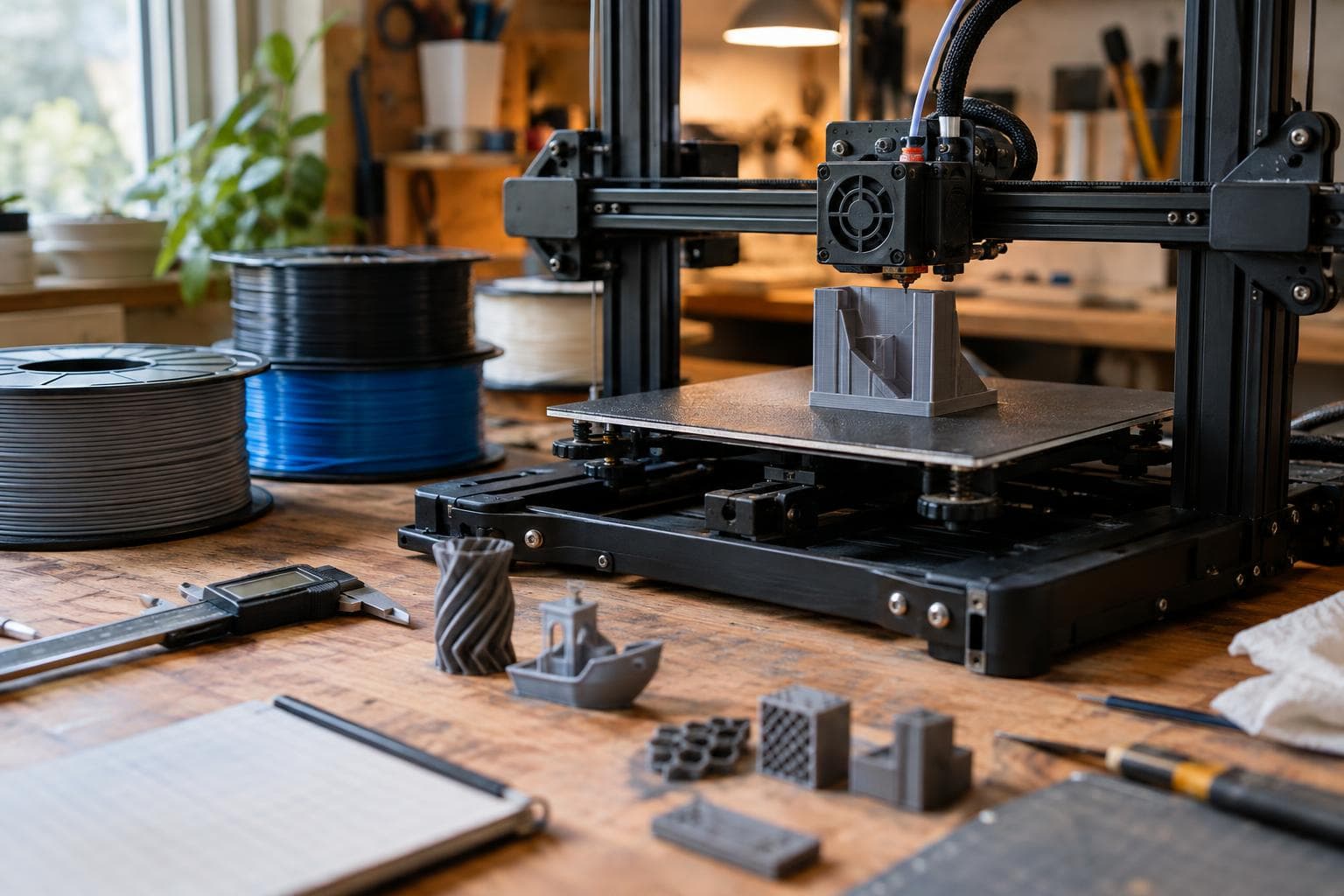
The claim is familiar: faster printing means worse quality. It is useful advice, but it points at the wrong control. Outer wall speed has a direct effect on visible surfaces; infill and travel speed usually affect time first. The honest answer is that print speed quality depends on which motion is faster, how much distance it has to reach that speed, and whether the hotend and cooling can keep up.
Outer walls are the quality lever
The outer perimeter is the setting we change first when surface finish matters. It controls how quickly the nozzle lays down the lines everyone will see, so it affects ringing, corner shape, uneven extrusion, and the consistency of small features.
A wall moving at a steady speed gives the motion system less time to correct for vibration and the extruder less time to respond to changes in flow. Corners are especially revealing. The printer slows, changes direction, and accelerates again. If the frame, belts, or toolhead flexes, a high wall speed can leave echoes beside the corner.
Outer wall speed also interacts with line width and layer height. A 0.45 mm line at 0.2 mm layer height and 80 mm/s requires a different volumetric flow than a 0.6 mm line at the same speed. The calculation is:
volumetric flow = line width × layer height × speed
That flow requirement is why a speed that works for a narrow wall may cause under-extrusion on a wide one. The slicer's maximum volumetric-flow limit is more useful than a headline speed when the hotend is the bottleneck.
For visible parts, we would lower outer wall speed before lowering every other speed. This keeps the surface controlled without making the whole print crawl.
Infill and travel are different levers
Infill speed mostly affects time, not the finish of the outside wall. It still has limits. If infill outruns the available melt flow, the lines become thin or intermittent. Weak internal bonding can follow, particularly in parts whose walls are too few to carry the load alone. Fast infill can also shake a lightweight machine more than a slow wall does, leaving vibration that shows up later on the perimeter.
Our usual choice is to keep the outer wall conservative and raise infill until flow, vibration, or failed corners gives a reason to stop. Sparse infill with long straight runs is the easiest place to gain time.
Travel speed is mostly a time setting between extrusion moves. Raising it can reduce idle motion and, on some machines, reduce stringing by shortening the time the nozzle spends crossing open space. It can also cause a collision, skipped steps, or a harsh direction change if acceleration is too high. Travel speed does not directly change the texture of a wall that is already being printed at a controlled wall speed.
A practical split looks like this:
- Keep outer walls slower when the face will be visible or dimensionally important.
- Raise infill speed while checking for thin lines, rattling, and heat buildup.
- Raise travel speed only after checking that the nozzle clears the part and the machine does not lose position.
- Keep inner walls between those extremes when they support the outer wall or define holes.
- Set a maximum volumetric flow so a high speed cannot demand more melt than the hotend can deliver.
Nominal speed is not achieved speed
Acceleration limits mean a high nominal speed is never reached on short moves. The number in the slicer is a ceiling, not a promise. At 100 mm/s with 1,000 mm/s² acceleration, the printer needs 5 mm just to accelerate and another 5 mm to decelerate if the move ends at rest. A short wall segment may spend its entire length speeding up and slowing down.
This changes how speed settings should be read. A model made of many short walls may print at a much lower average speed than the wall setting suggests. A large rectangular infill run may reach the nominal speed and benefit from raising it. A small detailed part may gain little from a higher wall number because acceleration, cornering, and cooling dominate.
Acceleration affects quality through vibration and corner behavior. Raising the speed cap on a machine with low acceleration can produce almost no time saving, while raising acceleration can produce visible ringing. The usable limit depends on frame stiffness, mass, belt condition, toolhead weight, and the machine's motion system.
Measure this on the machine rather than assuming the firmware value tells the whole story. Print a test with long straight lines and another with short features. Compare the actual print time, ringing beside corners, and dimensional error. If the short-feature test barely changes after increasing nominal speed, acceleration is the limiting lever.
Cooling and flow can beat motion settings
Not every quality defect is motion-related. On PLA, small layers can remain soft if the next layer arrives too soon. On PETG, excessive cooling can weaken layer bonding, while insufficient cooling can soften corners and bridges. ASA generally needs controlled ambient conditions because uneven cooling can pull a part out of shape. TPU adds its own constraint because rapid, high-pressure extrusion changes can make feeding inconsistent.
Layer time is the bridge between speed and temperature. A faster perimeter can reduce the time available for each layer, but a slower perimeter can also make a small part sit under the nozzle longer overall. If the slicer slows down to meet a minimum layer time, the displayed wall speed is not the speed being used.
For a controlled test, change one variable at a time. Use the same filament batch, nozzle, layer height, line width, temperature, and cooling. Print a model with a broad wall, a small hole, a corner, and enough infill to expose flow problems. Record the actual time, not the estimated time shown before the job starts.
Start with three wall speeds rather than a full speed tower. Keep infill and travel fixed, then inspect the outside faces and measure a feature that matters. After choosing the wall speed, test infill separately. This avoids blaming a faster travel move for a wall defect caused by acceleration or blaming a wall speed for a hotend that is simply flow-limited.
A practical speed-setting order
We would tune in this order:
- Set layer height, line width, nozzle temperature, and cooling for the filament.
- Set the maximum volumetric flow below the point where extrusion becomes visibly inconsistent.
- Choose the outer wall speed from surface quality and dimensional results.
- Raise infill speed until flow or vibration becomes the limiting defect, then back off.
- Test travel and acceleration for collisions, ringing, and skipped steps.
- Check minimum layer time on small parts rather than assuming slower is always cooler.
This is why the blanket statement fails. Faster motion can reduce quality, but only some speed controls touch the visible surface directly. Wall speed is the first suspect for a rough face. Infill speed is usually a time lever with a flow limit. Travel speed is mostly an idle-motion lever with a mechanical risk. Acceleration decides how much of the advertised speed exists on the move at all.
Frequently asked questions
Does faster infill reduce print quality?
Usually it reduces print time first. It becomes a quality problem when the requested speed exceeds volumetric flow, shakes the machine, overheats a layer, or leaves internal gaps that the part's walls cannot compensate for.
Should outer walls always be printed slowly?
No. They should be slow enough for the surface and dimensions you need. A stiff, well-tuned machine can run them faster than a flexible one, but a higher nominal speed is not useful if short segments never reach it or if ringing appears.
Why did increasing print speed barely reduce the time?
Acceleration, minimum layer time, travel distance, or the slicer's volumetric-flow limit may be controlling the actual speed. Compare the requested speed with the machine's acceleration and inspect the slicer preview for slowdowns.
The Boss Factory builds made-to-order 3D Printing & Prototyping and Design & Product Development work through a quote.
Related services
All services →Have a project in mind?
Tell us what you want built — we reply within 24–48 hours.