
- 3d printing
- supports
- petg
- pla
- support settings
Supports Stuck: Fix the Gap, Interface, and Material
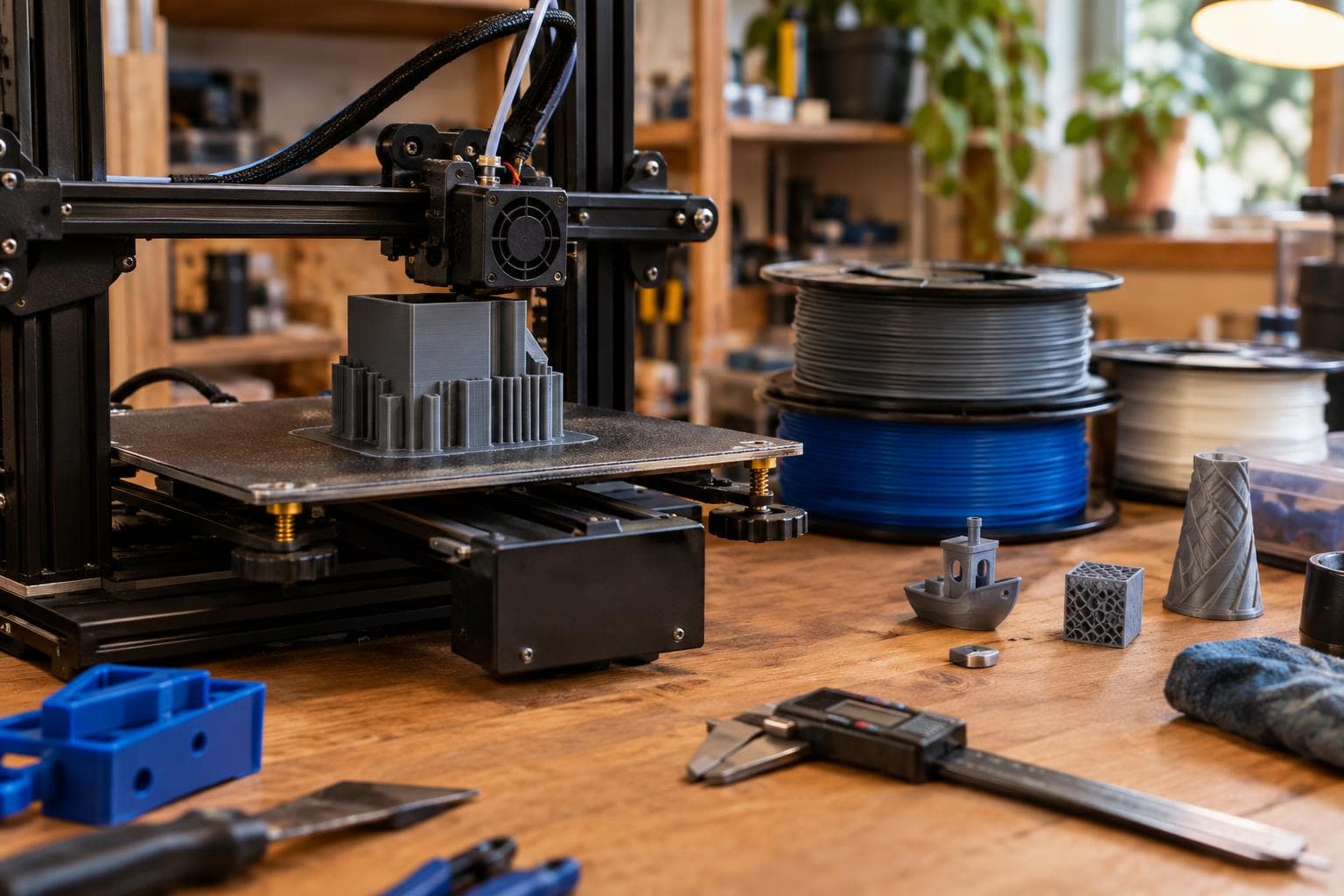
Supports stuck to a print are rarely a mystery after the fact. The usual causes are a Z gap that disappears at the active layer height, an interface packed too tightly, or a filament that bonds to itself too readily. Check those three conditions in the slicer and preview before committing material and machine time.
Mistake 1: Treating the support gap as a physical measurement
A support Z gap is not always carried into the sliced result as an exact distance. Many slicers express the separation in layers or convert a requested distance to a whole number of layers. The support fuses to the part when the gap rounds down to zero at the current layer height.
That distinction matters when changing layer height. A separation that produces one clear layer of air at a 0.16 mm layer height may become zero separation at a different layer height, depending on the slicer's support rules and rounding. A value that looks sensible in the profile is not proof that the generated toolpath contains a gap.
The pre-print check is a sliced cross-section, not the model view. Move through the first supported layer and inspect the gap in layer preview. Look for a distinct unsupported layer between the model underside and the support roof. If the support roof and part underside are assigned to the same Z position, the problem is already present in the toolpath.
Also check the layer height used for the actual job, including adaptive or variable layer height. A support setting tested with fixed layers can behave differently when the slicer changes layer thickness near a curved underside.
For a functional part, we would rather begin with a small amount of clearance and accept a little underside cleanup than create zero clearance and depend on luck. Increase the gap only until the underside stops sagging beyond what the part can tolerate. Too much gap trades support removal for a rougher underside, so the correct setting is the smallest gap that survives the bridge or overhang.
Mistake 2: Packing the support interface until it becomes part of the surface
The interface is the dense roof or floor between ordinary support and the model. Its job is to give the supported surface a more consistent platform. Its failure mode is predictable: more interface density means more contact points, more heat exchange, and more material mechanically locked into the underside texture.
A dense interface can look excellent in preview and still create a support removal problem. The slicer may show a neat, nearly solid roof, but the printed roof can key into small valleys in the part. On a flat underside, that may be acceptable. Around lettering, ribs, holes, or a shallow curve, it can tear the surface when removed.
Use these checks before slicing the final part:
- Inspect interface density separately from ordinary support density. A sparse support column does not make a dense interface easy to remove.
- Count the interface layers and compare them with the surface finish you actually need. Extra interface layers are not free separation layers.
- Preview the first interface layer over small features. If the roof reaches into a hole, slot, embossed letter, or thin wall, expect fragments to remain.
- Check the support contact in a section view. A support that touches a sharp edge has less forgiveness than one under a broad, flat face.
- Decide whether the surface is cosmetic, dimensional, or hidden. Do not spend removal time protecting a hidden face with a dense interface.
Our starting position is to keep the interface less dense and the contact gap more deliberate, then add density only where the underside sags. The cheap way is good enough for many hidden faces: ordinary support with a sensible gap often works better than a highly engineered interface. An expensive support material, a second extruder, or a special interface filament does not fix a zero Z gap or a support roof that reaches into the part.
Mistake 3: Using the same support settings for PLA and PETG
Geometry does not determine removal force by itself. The filament changes the result. A material that bonds well to itself, such as PETG, makes support removal harder than the same geometry in PLA.
PLA often gives a useful practical separation between a support roof and a model surface when the gap is tuned correctly. PETG can form a stronger bond across the same contact, especially if the nozzle remains hot, cooling is limited, or the interface is dense. PETG also tends to leave a rough or torn underside when the operator treats PLA settings as a starting truth rather than a variable.
For PETG, begin by checking the slicer's material-specific support profile instead of copying a PLA profile. The exact values depend on nozzle temperature, cooling, layer height, extrusion width, and the particular filament. The useful test is a small overhang coupon with the same layer height and support interface used by the real part. Remove the support after the coupon cools, then inspect both the underside and the support roof.
Do not judge only by whether the support comes off. A support that tears away easily but leaves a dimensional edge is not a success. Measure the critical edge, inspect holes near the supported face, and check whether support fragments remain in corners.
The same principle applies to other self-bonding or high-temperature materials, though the direction and severity depend on the filament and printer. The material profile, cooling capacity, nozzle temperature, and chamber conditions all matter. There is no universal PETG support gap that can be transferred safely between machines.
Mistake 4: Fixing removal after the print instead of testing the underside first
Once the full part is printed, the support settings are expensive to diagnose. A small test piece isolates the variables before the material, machine time, or board is committed.
Print a coupon that includes the actual underside conditions: a flat roof, a shallow overhang, a hole, a thin wall, and any lettering or ribs that make removal difficult. Keep the layer height, nozzle, filament, cooling, and support settings identical to the intended job. Change one variable per test so the result has a cause.
A useful test sequence is:
- Verify that the sliced preview contains a nonzero Z gap at the supported layers.
- Reduce interface density until the roof begins to sag, then return to the last acceptable setting.
- Test the smallest gap that leaves the critical edge intact.
- Repeat the test with the actual filament, not a convenient spool of PLA.
- Remove the coupon only after it has cooled to the same condition expected for the full part.
If the coupon passes but the full print fails, inspect the full model for local changes. A curved surface may move closer to the support as the layer height changes. A narrow cavity may trap support differently from an open face. A large supported area may also retain more heat than the coupon, changing bonding and sagging.
Choose the trade-off before changing the profile
There is no support setting that maximizes underside finish, removal speed, dimensional accuracy, and material efficiency at the same time. Choose which surface matters, then tune toward that requirement.
| Support condition | Gap and interface effect | Material sensitivity | Typical failure mode | Pre-print check |
|---|---|---|---|---|
| Small gap, dense interface | Best underside support, highest contact | PETG is especially difficult to separate | Fused roof, torn surface, trapped fragments | Section the first supported layers and inspect the gap |
| Small gap, sparse interface | Less contact, weaker underside support | PLA may work; PETG can still bond | Sagging or strings mixed with stubborn contact points | Preview interface coverage under edges and holes |
| Larger gap, dense interface | Easier separation, rougher unsupported surface | PETG may still leave bonded spots | Underside texture or dimensional loss | Print an overhang coupon at the actual layer height |
| Larger gap, sparse interface | Fast removal and low material use | Most forgiving for hidden faces | Sagging, curling, or failed overhang | Confirm the surface can tolerate the roughness |
For a visible underside, we usually spend time on orientation before spending money on support hardware. Rotate the part so the critical face needs less support, split the model if the seam can be hidden, or redesign a long horizontal roof as a chamfer or arch. A geometry change can remove the support problem instead of making removal more complicated.
That is also the honest limit of profile tuning. If the required underside is flat, broad, and visible, while the material is PETG and the shape cannot be reoriented, the cleanest result may require a different manufacturing method or a planned finishing operation. No slicer checkbox changes the fact that the support and the part are made from material designed to bond.
Frequently asked questions
Why are my supports stuck even though the Z distance is not zero?
Check the sliced layer preview and the layer height used at the contact. If the slicer converts the requested distance to whole layers, the gap can round down to zero at the current layer height. Also inspect the interface: a dense roof can mechanically lock into the surface even when a small nominal gap exists.
Are PETG supports harder to remove than PLA supports?
Usually. PETG bonds well to itself, so the same geometry and nominal support gap can produce a stronger bond than PLA. Use a material-specific test coupon, reduce interface contact where the underside allows it, and verify the actual toolpath rather than copying PLA support settings.
Should I buy a dual-material printer to solve supports stuck to the part?
Not as the first fix. A second material can help in cases that justify soluble or breakaway support, but it does not correct poor orientation, zero effective gap, or an over-dense interface. Test the existing setup first; for many hobby prints, a revised orientation and a small support coupon solve the problem at lower cost.
We build 3D printing and prototyping work to order at The Boss Factory; request a quote.
Related services
All services →
Have a project in mind?
Tell us what you want built — we reply within 24–48 hours.